
Metalama's LINQPad driver allows you to interactively query your source code as if it were a database. You can inspect declarations, dependencies, errors, warnings, aspect outcomes, and code transformations.
LINQPad is a popular tool for writing and executing LINQ queries against various data sources. With Metalama's driver, you extend this functionality to .NET projects and solutions.
Note
The Metalama.LinqPad package is open-source.
Installing the Metalama driver
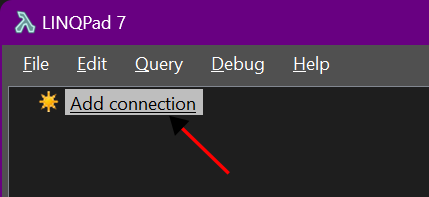
In the Explorer tool window, click Add connection.
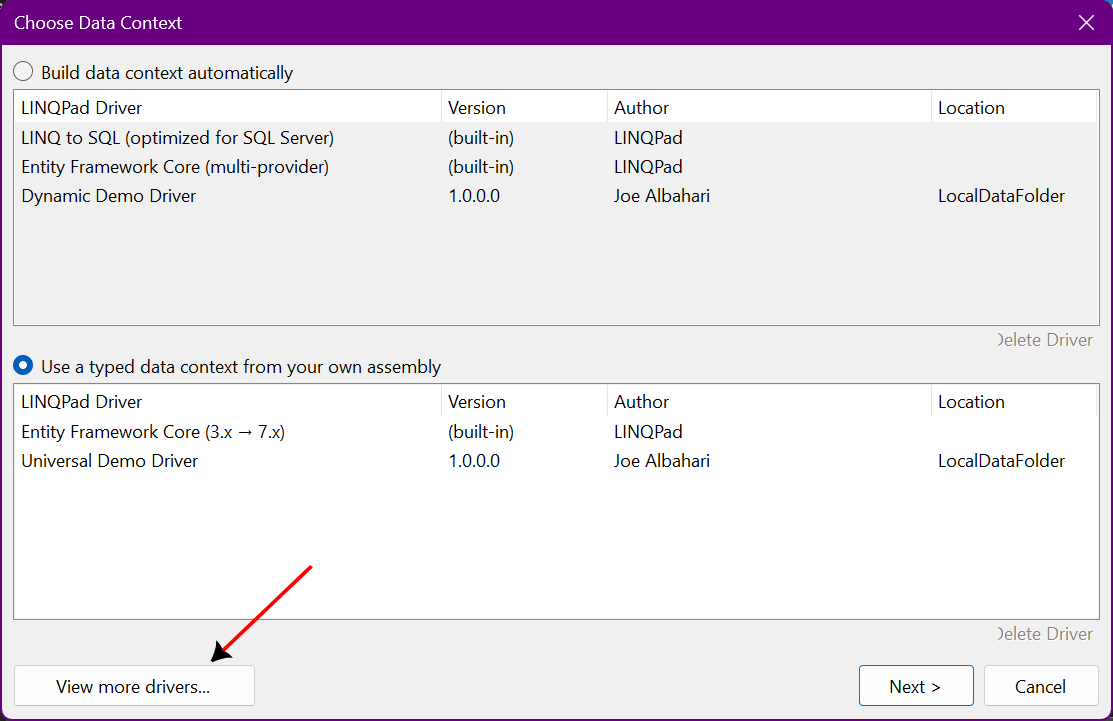
Click View more drivers.
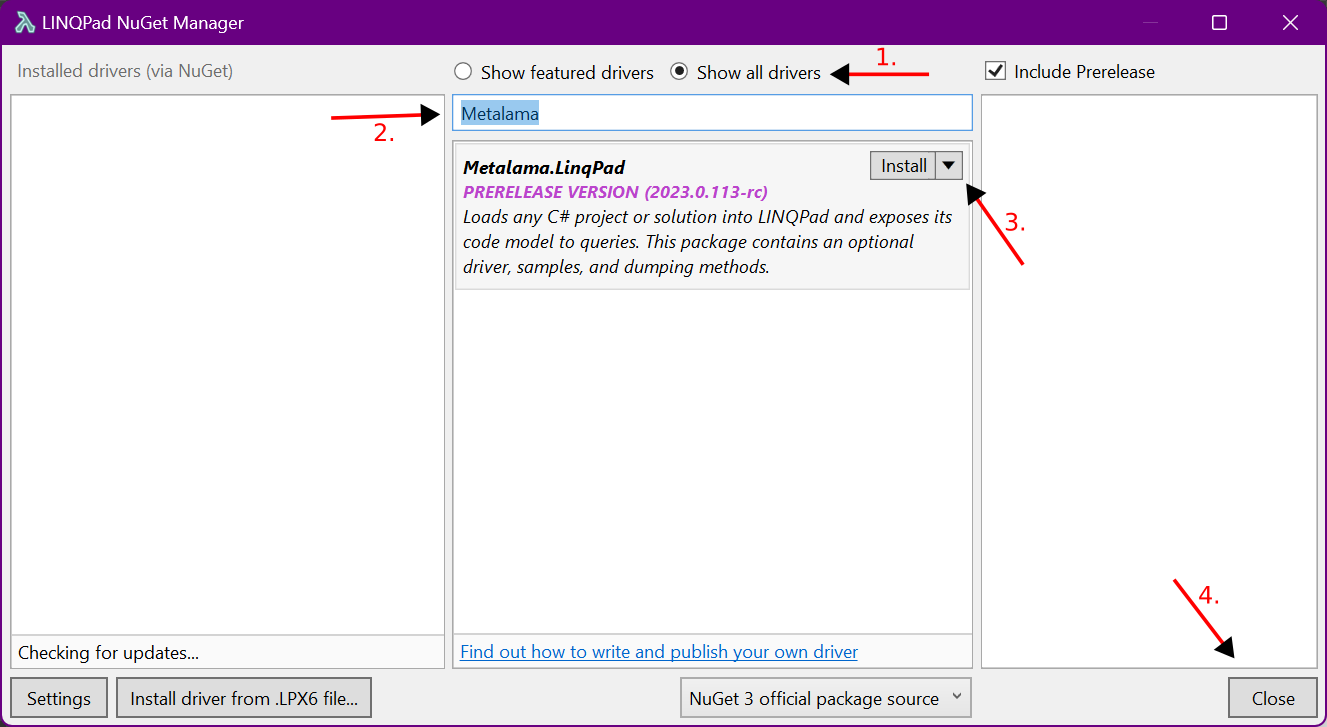
In the NuGet LINQPad Manager dialog:
- Select Show all drivers.
- Type Metalama.
- Select
Metalama.LinqPadand click Install. - Accept the disclaimers and wait, then click Close.
Opening a project or solution
In the Explorer tool window, click Add connection.
There are two Metalama drivers:
- Metalama Workspace: Bound to a .NET project or solution, accessible through the
workspacevariable. - Metalama Scratchpad: Not bound to anything, so you load projects manually in your query.
- Metalama Workspace: Bound to a .NET project or solution, accessible through the
Choose the Metalama Workspace or Metalama Scratchpad driver and click Next.
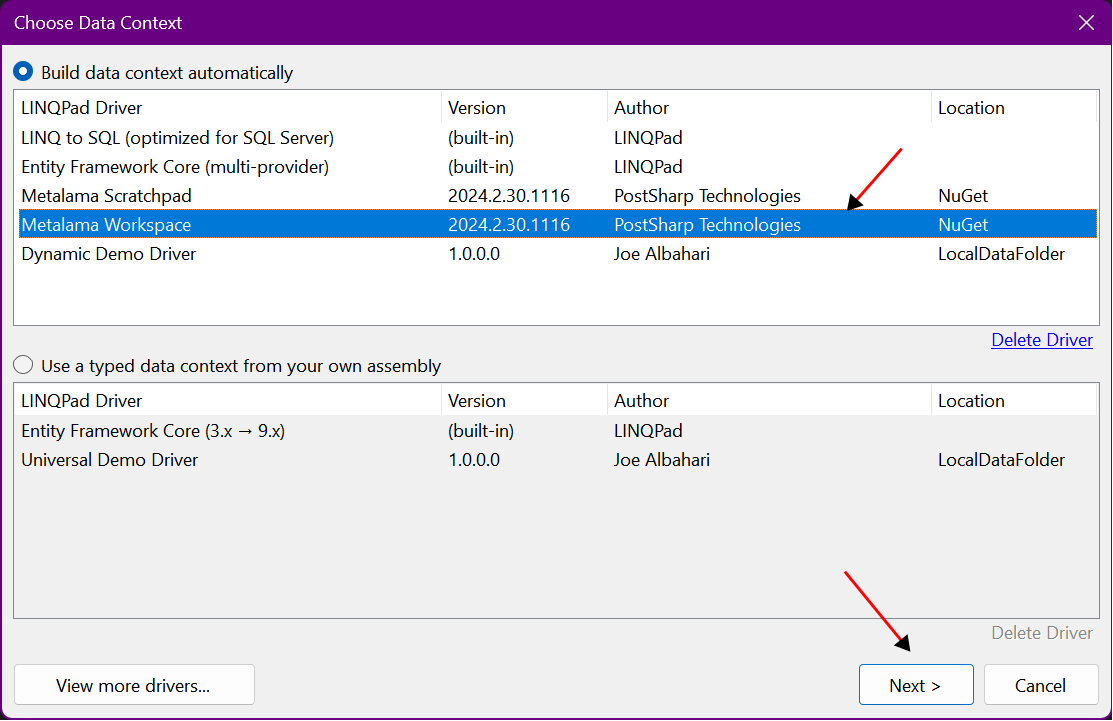
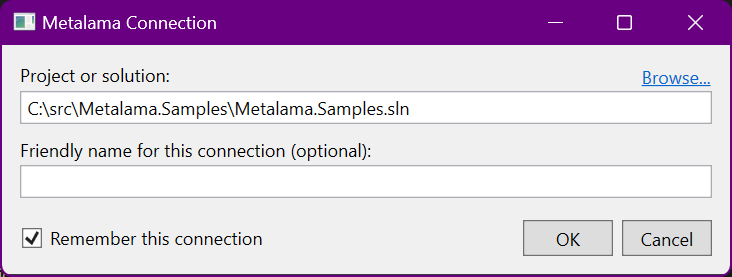
If you chose Metalama Workspace, specify the path to the C# project or solution, then click OK.
Warning
The Metalama.LinqPad driver version must be equal to or higher than the Metalama.Framework package version used in your projects.
Querying source code
After adding a C# project or solution to LINQPad, you'll see this structure in the Explorer:
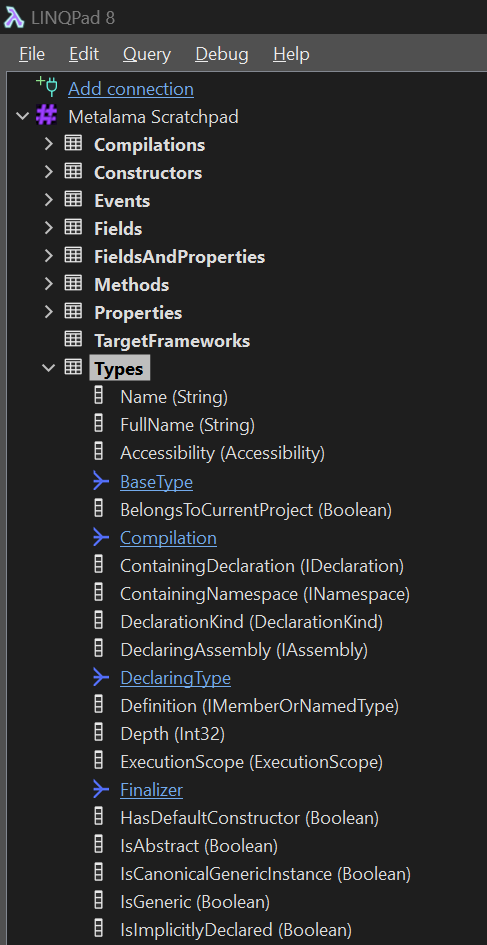
The workspace variable allows you to query the entire workspace for all projects for all target frameworks.
For details on the workspace API, see Using the Workspaces API.
Example queries
List all static fields:
workspace.SourceCode.Fields.Where( f => f.IsStatic )
List all public methods in a specific project:
workspace
.GetProject( "MyProject" )
.SourceCode
.Methods
.Where( m => m.Accessibility == Accessibility.Public )
Permalinks
In the data grid view, declarations have a permalink column. Clicking this link opens a new query that evaluates to that declaration using SerializableDeclarationId.
workspace.GetDeclaration(
"MyProject",
"net8.0",
"F:MyNamespace.MyClass._myField",
false );
Using the Scratchpad driver
The Metalama Scratchpad driver doesn't require specifying a project in the connection. Instead, load projects in your query using WorkspaceCollection:
var workspace = WorkspaceCollection.Default
.Load( @"C:\src\MyProject\MyProject.csproj" );
This gives you the same workspace variable as the bound driver.