Note
Visual Studio Tools for Metalama require a Metalama Community or Metalama Professional license.
The Visual Studio Tools for Metalama are an extension that enhances your development experience by providing features such as:
- CodeLens additions to quickly view the impact of aspects on your code
- Aspect Explorer for displaying which aspects are available in the current solution and which code is affected
- Diffing functionality to compare your original source code against the transformed code
- Syntax highlighting for aspect code
While this extension is optional, it is highly recommended for a more comprehensive understanding of your aspect-oriented code.
Downloading the extension
The simplest way to install the extension is from Visual Studio Marketplace. Download and launch the file.
Installing from Visual Studio
Alternatively, you can use the following procedure from Visual Studio.
Warning
The following screenshots are outdated and need to be updated due to changes in the logo and the name of the extension.
Navigate to
Extensions>Manage Extensions.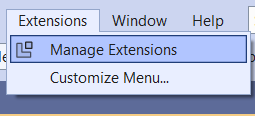
This opens the following dialog:
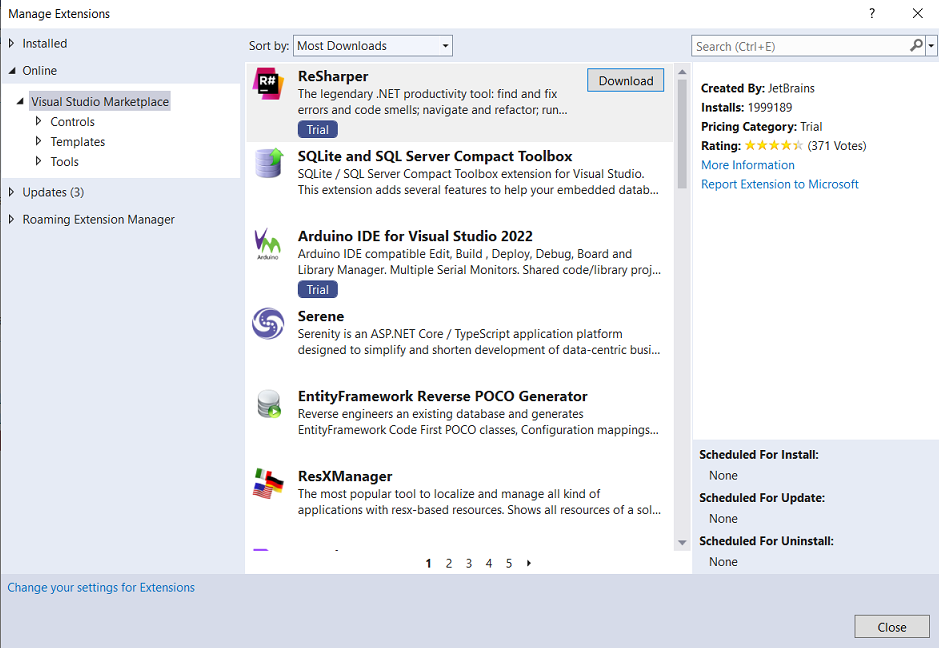
In the search box, enter "Metalama + PostSharp".
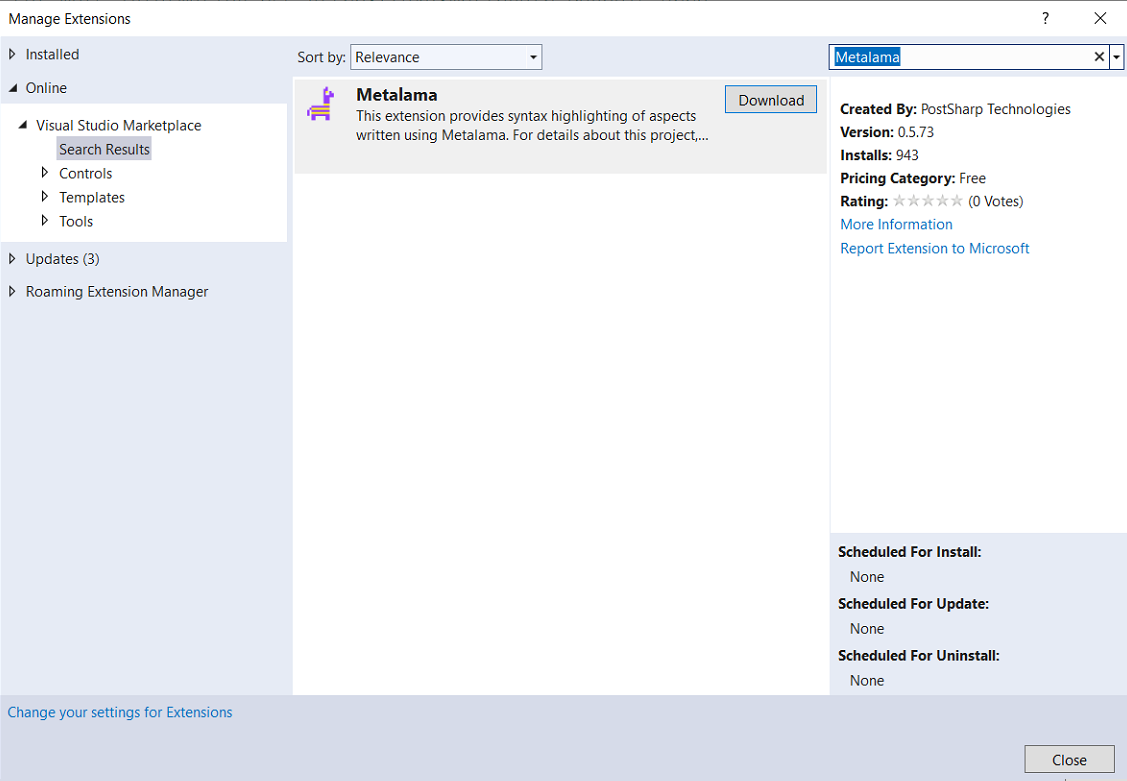
Click the
Downloadbutton to download the extension.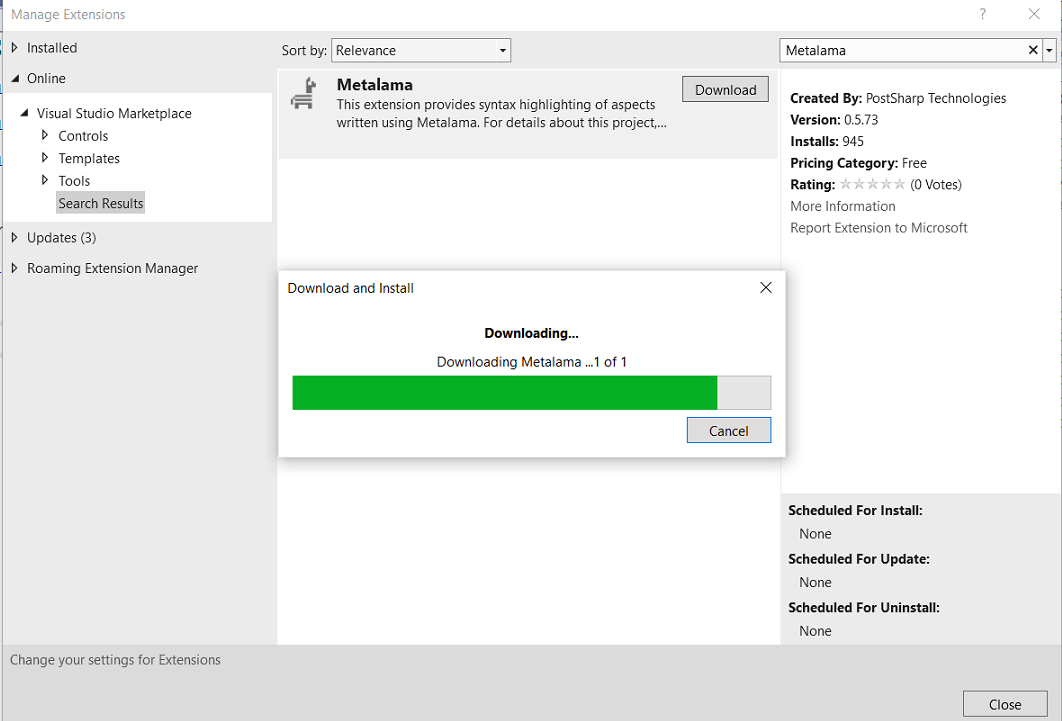
After the extension downloads, it will be ready for installation when all Visual Studio instances are closed. This requirement appears at the bottom of the screen.
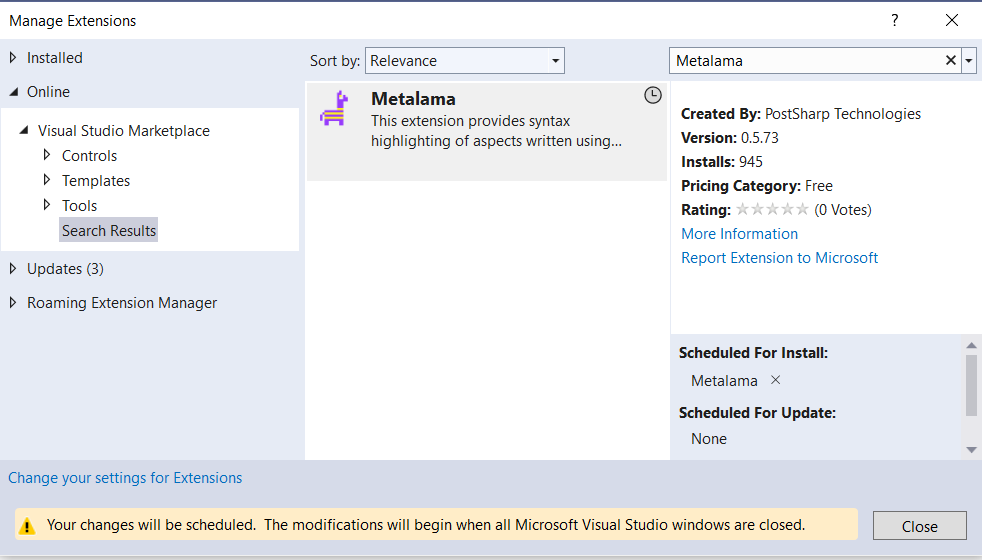
Provide consent for the installation.
Installation starts automatically when Visual Studio closes.
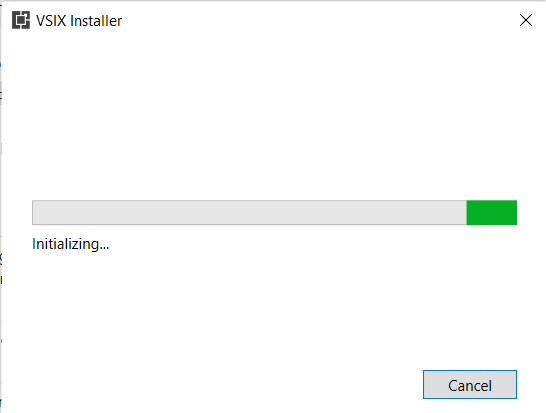
The installation wizard runs independently and requests your consent:
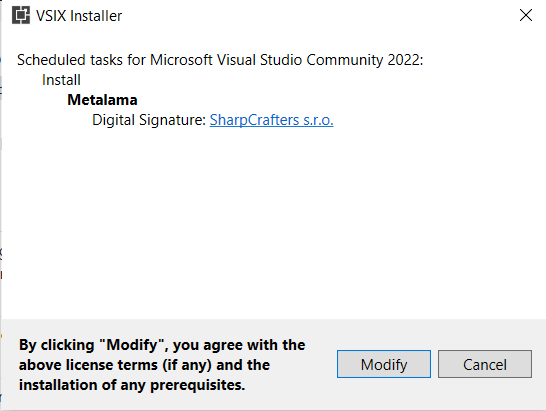
Click the
Modifybutton to complete the installation.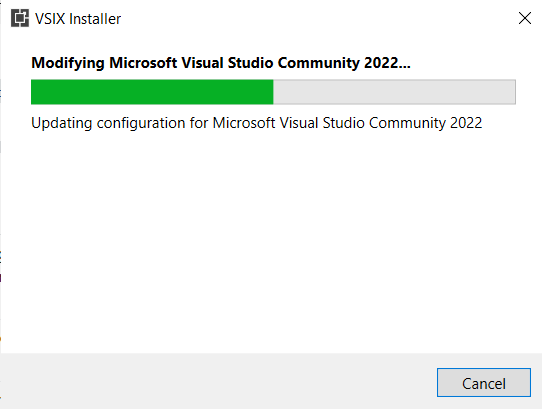
When installation is complete, the wizard displays the following screen:
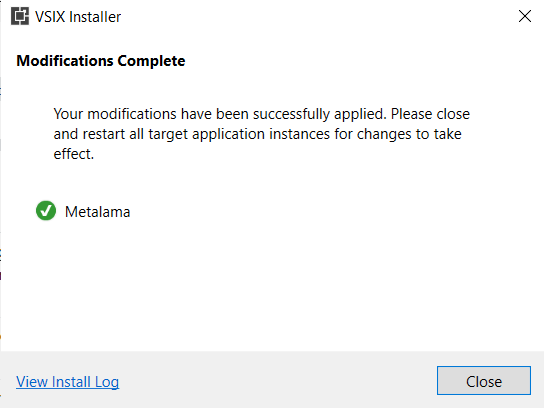
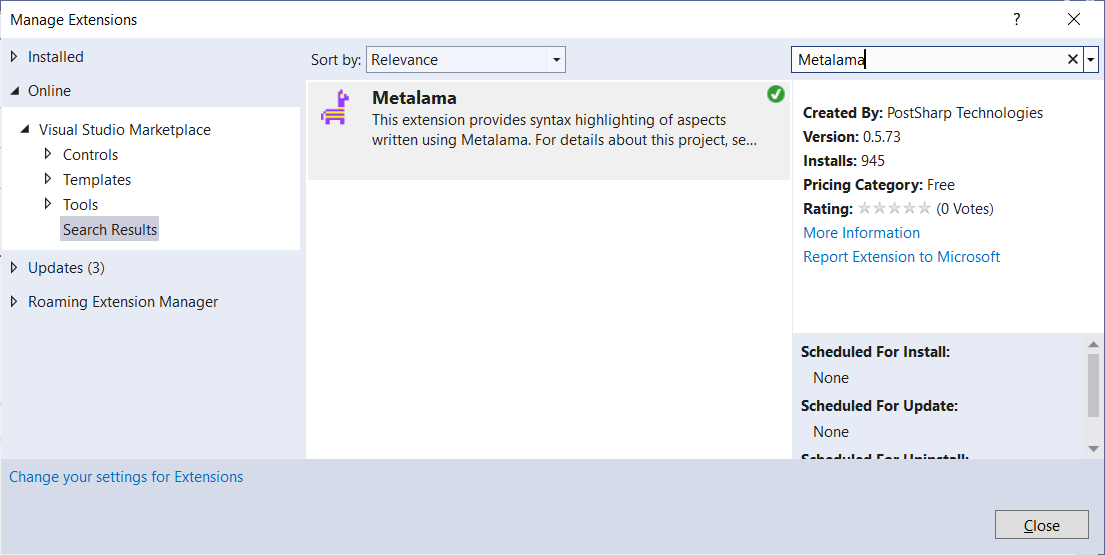
To verify the extension installed successfully, navigate to the Extensions Manager. A green tick mark appears on the top-right corner of the extension icon when installation is successful.